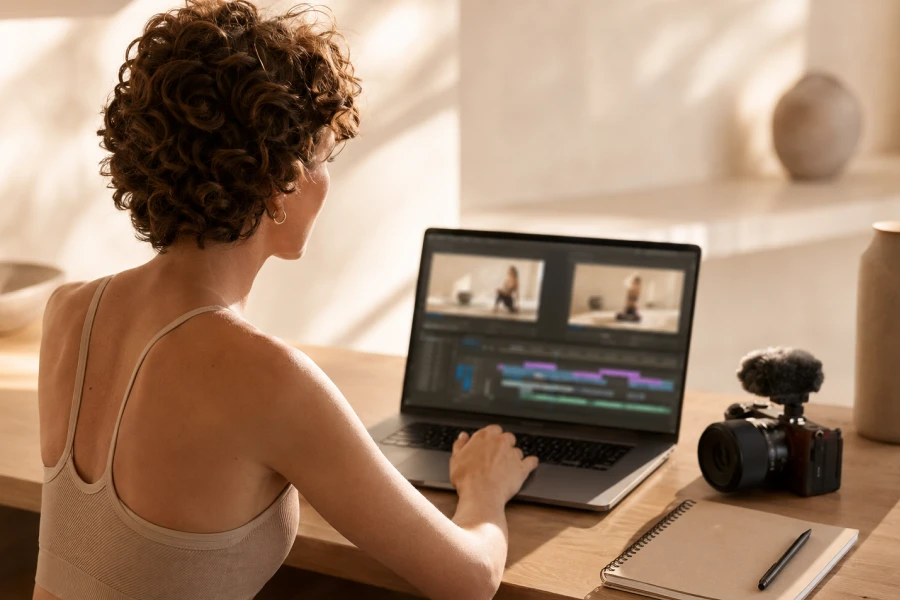
Editing can turn a useful workout recording into a session people want to finish. Workout video editing tips matter because viewers experience the pacing, clarity, and energy through every cut. They do not need flashy effects to stay engaged. They need a video that helps them understand what to do next. Good editing protects the flow of the workout without distracting from it. Start by identifying the moments where the viewer needs the most support. Keep those moments clear, generous, and easy to follow. Then remove anything that interrupts momentum without adding value. A polished video often feels simple because the editor made many thoughtful choices. The goal is not to show every second of production effort. It is to make movement feel easy to join.
Your first edit should focus on structure, not perfection. Watch the raw footage from start to finish before trimming heavily. Mark moments where the workout slows, instructions become unclear, or energy fades. Keep a version of the original recording so you can experiment confidently. Start by removing long pauses and technical errors. Then check whether the exercise order feels natural for the viewer. A workout editing rhythm helps every transition feel connected. Make cuts where movement or music naturally creates momentum. Avoid cutting so quickly that beginners feel rushed. The first pass is about finding the session’s backbone. Once that shape feels right, details become much easier to refine.
Instruction deserves more space than decoration. Leave enough time for viewers to hear the setup before the movement starts. Keep key demonstrations visible when form changes matter. Use close-ups sparingly and only when they explain something useful. Do not hide the full body during a move that requires foot placement. Let the viewer see what success should look like. Pause a little longer after complex directions. Those seconds can make the difference between confidence and confusion. Editing should make the workout feel more teachable, not more complicated. When you remove unnecessary pieces, protect the cues that help people move safely. Clear instruction is always the priority.
Sound shapes energy before viewers consciously notice it. Your voice should stay clear above any background music. Choose music that matches the pace without competing with instructions. Check the levels on headphones and a phone speaker. What sounds balanced in one place may feel overwhelming in another. Build a small library through royalty-free music planning so future edits start faster. Use consistent audio choices when you want the series to feel connected. Leave moments of quiet when a cue needs attention. Avoid letting a beat force a cut that disrupts the exercise. Sound should reinforce the workout’s rhythm, not control it. A thoughtful mix creates a more professional experience.
The ending of a workout deserves the same attention as the opening. Make cooldown instructions easy to hear and easy to see. Allow the pace to soften naturally rather than stopping abruptly. Include a short message that acknowledges the viewer’s effort. Keep the transition from exertion to recovery clear. This helps the session feel complete instead of suddenly abandoned. You can also preview what the viewer might do next in your content library. Avoid overloading the final minute with too many calls to action. The best ending leaves people feeling capable and supported. That feeling increases the chance they will return. A strong finish turns one view into the beginning of a relationship.
Small details can quietly improve viewer retention. Remove repeated words that do not add coaching value. Tighten transitions where equipment changes take too long. Check whether titles, overlays, or graphics ever block important movement. Keep visual additions simple enough to support the workout. Review the session once without sound and once without looking at the screen. Each version will show different weak points. Use that feedback to make intentional adjustments. The most effective edits often feel invisible. They keep the viewer moving without making them notice the production. That is the standard worth aiming for. Good editing makes the workout feel like it was designed for one person in the room.
Editing gets faster when you review every project with the same questions. Did the opening make the promise clear? Were the cues easy to follow? Did the middle lose energy? Did the ending feel complete? Use video SEO basics after the final cut so your packaging reflects what the workout actually delivers. Save a checklist for exports, sound levels, and thumbnail options. Keep the process simple enough to use on every video. Your audience will recognize the difference when each upload feels intentional. Repetition turns scattered editing tasks into a confident workflow. Over time, the timeline becomes a place where your teaching style becomes clearer.


Leave a comment